

Creative Simulator for agencies: pitch, pre-sales and creative approval live in the meeting
In a client meeting, what counts is how quickly an idea becomes visible. You do not need a composite that someone builds overnight. You show the creative live on the surface and change it while the client watches.
Three situations from agency life
In a pitch there is no time to prepare every idea as a composite. With the live simulation you show the idea where it is meant to work. If someone asks for an alternative, the second variant is next to it moments later.
In pre-sales the client asks how it would look at their location. You switch the surface, and the question is answered in the same meeting.
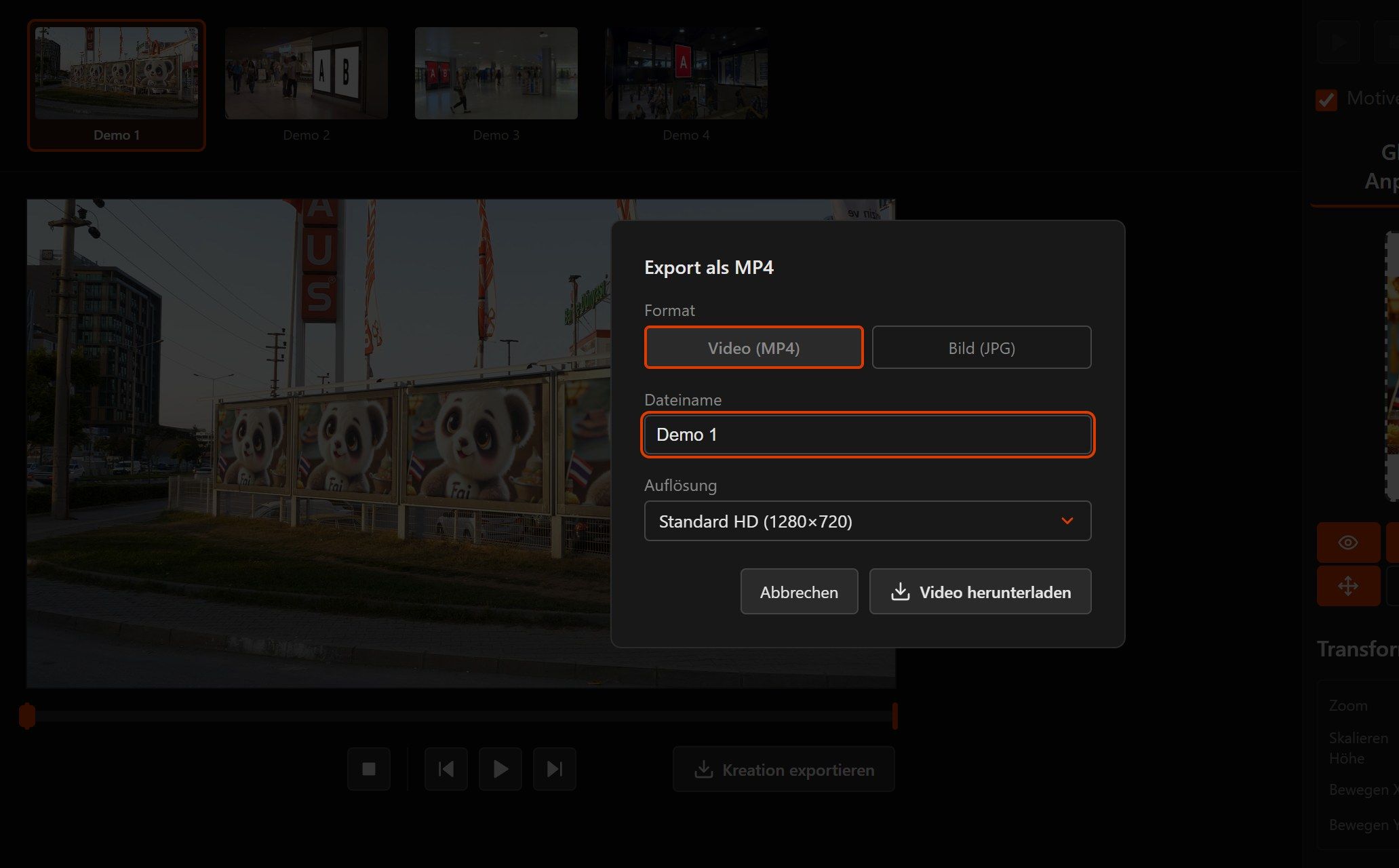
For approval you send an export along, as JPG or MP4, exactly as the creative will hang later. That saves correction rounds, because nobody has to guess what was meant.
What that means day to day
-
Variants without waiting
You swap the creative, switch the surface or adjust the values. Nobody has to build a new file in the background for it.
-
Each client on their own
Every client gets their own tenant with their own inventory and their own users.
-
Presentable without a disclaimer
The export looks the way it will on the street. Nobody has to point out that the perspective is only roughly right.
-
Easy to explain to procurement
Hosting is in Germany, and for the preview the creative stays in the browser. That is simple to set out in a data protection review.
-
Your presentation is ready in no time
Collect up to 20 surfaces with your creatives in one selection. If you like, you place one creative on all surfaces in a single step. From the selection you download a PowerPoint (16:9), a PDF with all creatives, a video showing all surfaces one after another or a link that opens the same set. We activate the selection on request.
-
A slideshow for your client
The selection becomes a link with a title and a personal message, as an image slideshow or as a video, with music if you like. Your client gets the link by e-mail and views the creatives in the browser, full screen on a phone as well. The link is valid for 1 to 30 days and then deletes itself.
How to use it in the meeting
- 1
Prepare the meeting
Have the surfaces you will discuss ready in the tenant. That is all the preparation it takes.
- 2
Show it live
In the meeting, switch creative and surface and put variants side by side.
- 3
Hand it over
Attach the export as JPG or MP4 to the minutes, the proposal or the approval. Or send the whole selection as a PowerPoint, PDF, video or slideshow.
Frequently asked questions from agencies
What does our client need to follow along?
Can we make the tool available to our clients?
Can we build the simulator into client projects?
What if one idea turns into a series?
Can international clients work in their own language?
How do we mark drafts as non-binding?
Read on
Show your next pitch live
Tell us which surfaces your next meeting is about. We will set up a tenant with them, so you can try everything out calmly beforehand.