
From briefing to a checked creative
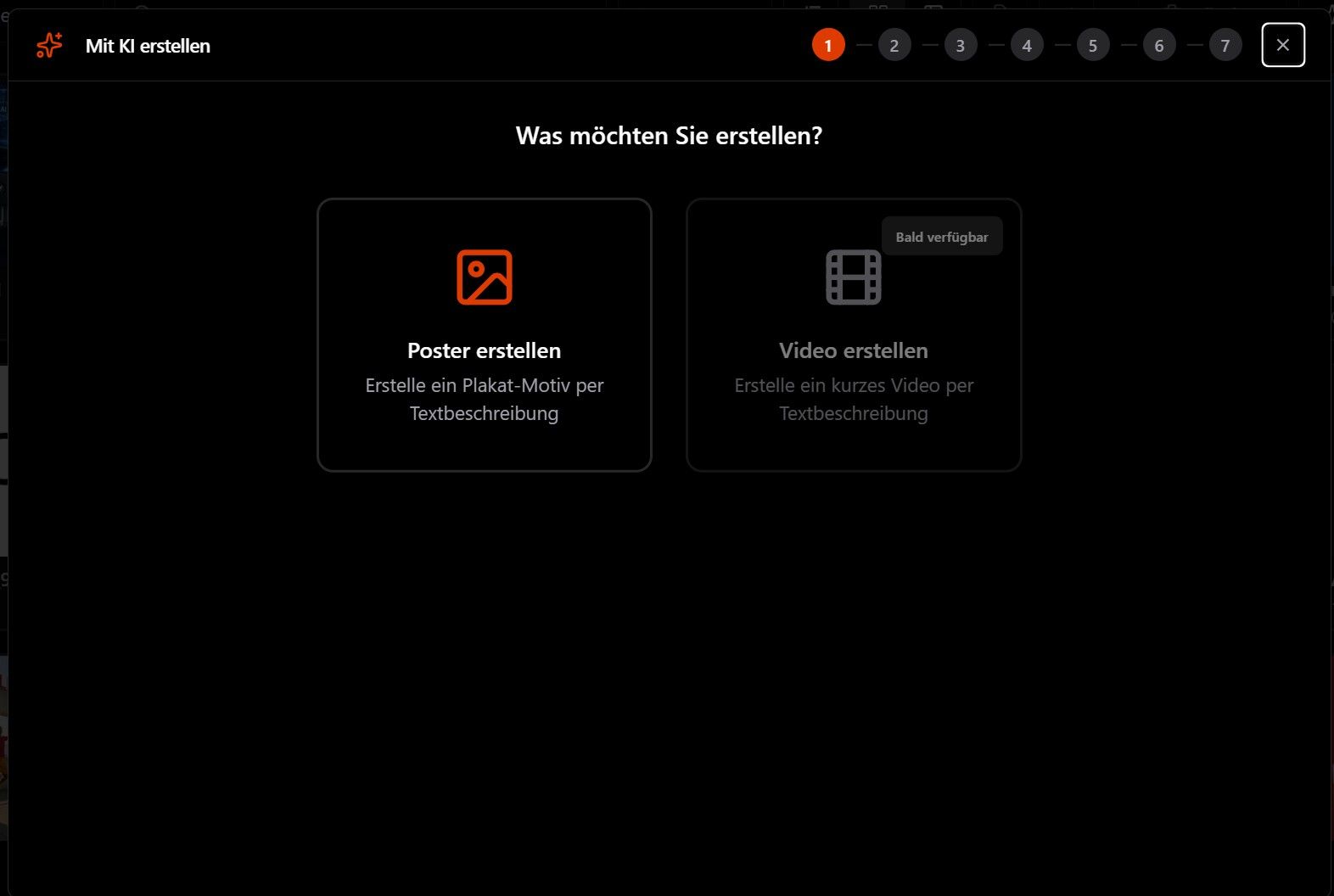
You enter company, region and occasion. The AI analyses market, competitors and audience and suggests three campaign ideas. From the idea you pick, it creates a creative in the format of your ad screen. Before you show it to anyone, it rates it.
Why the analysis comes first
A poster gets a few seconds on the street. Whether it works in that time depends mostly on three things being clear: who you want to reach, what the one message is, and why it matters now.
The AI works these out first and names its sources. The creative builds on that. At the end, the creative check tests whether the finished creative actually delivers on those points.
What the AI can do
-
Market and competitor analysis
Market environment, regional specifics, trends and competitors of your brand, plus opportunities and risks. The AI names its sources and lists assumptions separately.
-
Audience analysis
The AI describes matching audiences: age and life stage, attitudes and the need your message should meet.
-
Three campaign ideas
Each idea has a core message, an occasion, a visual direction, suitable channels and metrics for success. You pick one of them.
-
Creatives by company, region, audience and occasion
The AI creates poster and DOOH creatives in the format of your ad screen and suggests headline, subline and call to action. You describe changes in one sentence.
-
Creative check
The AI rates every creative it makes on nine criteria. You get a score from 0 to 100 and concrete pointers for the next version.
-
Corporate design from your website
The AI reads colours, type style and imagery from your website, so new creatives fit your brand.
How you work with the AI
- 1
Enter company and region
Plus website and occasion. Audience and competitors are optional.
- 2
Pick an idea
You read the analysis and choose one of the three campaign ideas.
- 3
Have the creative made
The AI creates the creative in the format of your ad screen. If you want something different, say so in a sentence.
- 4
Check and show
The creative check rates the result. Then you see the creative on the real screen in the Creative Simulator.
What the creative check looks at
| Criterion | The question behind it |
|---|---|
| Brand fit | Does the creative match the brand, its values and tone? |
| Audience fit | Does it speak to the chosen audience? |
| Clear message | Is the one core message obvious at once? |
| Readability at a distance | Does it work within seconds and from further away? |
| Visual hierarchy | Does the layout lead the eye to what matters most? |
| Distinctiveness | Does it stand out from its surroundings and the competition? |
| Copy and typography | Are headline and type short, clear and easy to read? |
| Image quality | Is the creative technically clean enough for the ad screen? |
| Legal risks | Are there sensitive claims, third-party trademarks or problematic depictions? |
Questions about the AI features
Does the AI replace our agency?
Where does the market data come from?
How does the creative check rate a creative?
Can we have our own creatives checked too?
In which formats does the AI create creatives?
Read on
Test the AI with your brand
In the demo, the AI creates an analysis and a creative for your brand live. Then we show the creative on one of your ad screens.